

The resident picks “Urgent safety hazard” on the QR page, or writes words like gas, smoke or fire. Either one is enough.
What a resident sees Police, ambulance and civil defence numbers for your country sit at the top of the page — Egypt, Saudi Arabia, the UAE, Pakistan, the UK or Europe.
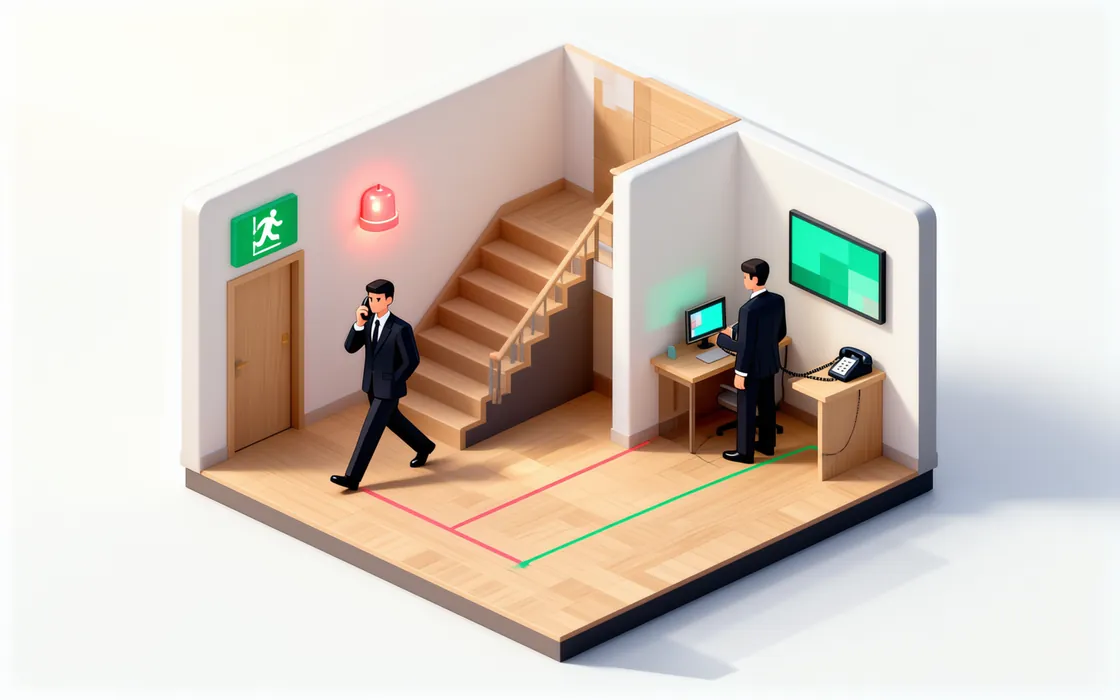
What the guest sees The request is flagged urgent for your duty contact, with their name and number on the record.
What the manager sees Urgent requests have a 1-hour response target, high 4 hours, normal 24, low 72. Miss it, and it escalates.
What the manager sees
Residents and guests
When it’s dangerous, nothing waits.
Gas, smoke, sparks, water near a socket, someone stuck in a lift. UnitVO treats these as urgent the moment they arrive — whether the resident pressed the urgent button or just wrote the words. The local emergency numbers are on screen, and your duty manager is told straight away.
How it works
The details that matter
Fixed rules, not guesses
Danger words are matched by rules in English and Arabic, before and without the AI.
Works with the AI off
The urgent path doesn’t need AI credits and keeps working if you switch the AI off.
Never auto-assigned
An urgent request skips the normal job offers and goes to a person to handle.
Response targets per property
Change the 1 / 4 / 24 / 72-hour targets for each property to match your contracts.
Overdue shows up
Requests past their target rise to the top of Today with how late they are.
Everything recorded
Who was alerted, who acknowledged and when — in the job’s history and the audit log.
What it won’t do
Clear limits keep your residents and your team safe.
- UnitVO doesn’t call the emergency services for you. The resident sees the numbers to call.
- It never lets an urgent alert go quiet: if nobody takes it within 10 minutes, the backup contact is alerted.
- It never waits for the AI to decide whether something is dangerous.
Read the manual
Related features
Put your first building on UnitVO this week.
Try everything for 30 days with up to 50 units — no card. Five units stay free after that, for as long as you like. We set you up online.