

Each with its own units, team, response times and spending limit.
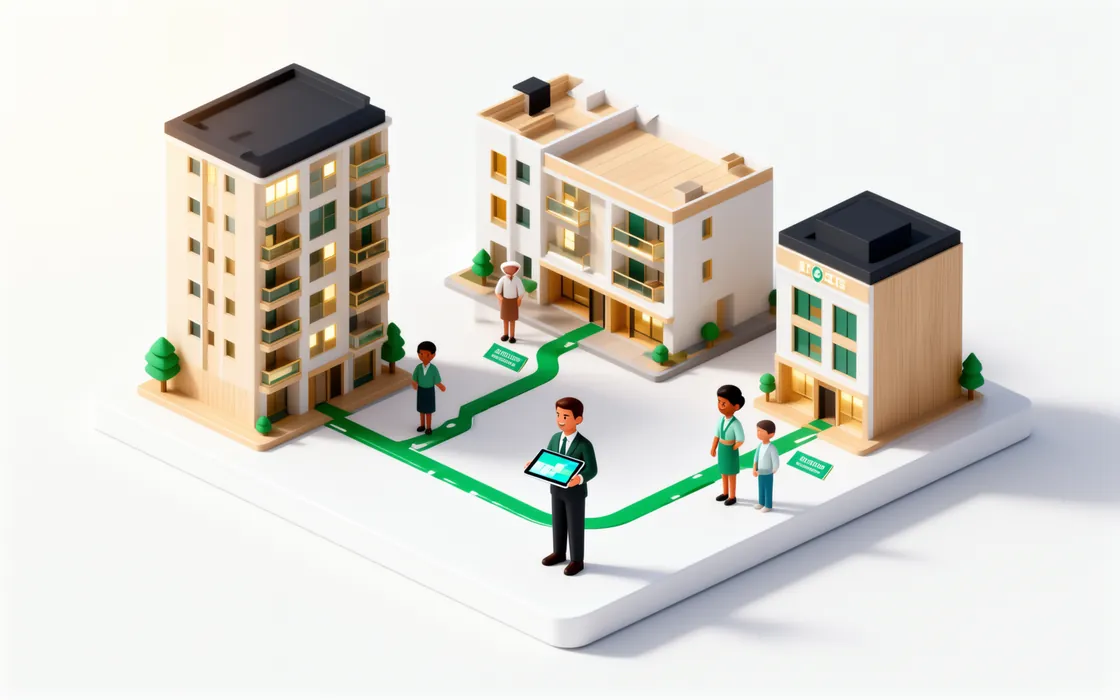
Owner, manager, front desk, technician, housekeeper, accountant — set per property.
What the manager sees Move between properties without signing out. Today shows what needs you in each.
What the manager sees The audit log shows who changed what and when. Export everything as a ZIP of CSV files.
What the manager sees
Owners and managers
Several properties. The right access in each one.
Run a tower, a row of holiday homes and a small hotel from one account. Each person gets a role per property — manager in one, technician in another — and sees only what that role allows. Every change is in the audit log, and you can export your data at any time.
How it works
The details that matter
Today for every role
Managers see what needs them; technicians see their jobs; the front desk sees arrivals.
Least access
A housekeeper in one building sees nothing of the others.
Audit log
Filter by type of record and download it.
Data export
Your organisation’s data as CSV files in one ZIP, whenever you want it.
Sign in your way
Google, Facebook or your e-mail address.
Delete your workspace
The owner can delete the workspace from the account settings.
What it won’t do
Clear limits keep your residents and your team safe.
- It never shows one organisation’s data to another.
- A role in one property gives no access to another property.
Read the manual
Related features

Put your first building on UnitVO this week.
Try everything for 30 days with up to 50 units — no card. Five units stay free after that, for as long as you like. We set you up online.