

For residents and guests
Something wrong in your home or room? Here’s how to report it.
In an emergency
Gas, smoke, fire, flooding or someone hurt: call the emergency number first — the request page shows your country’s numbers at the top. Then choose “Urgent safety hazard” so your building’s duty team is alerted.
- 1
Report
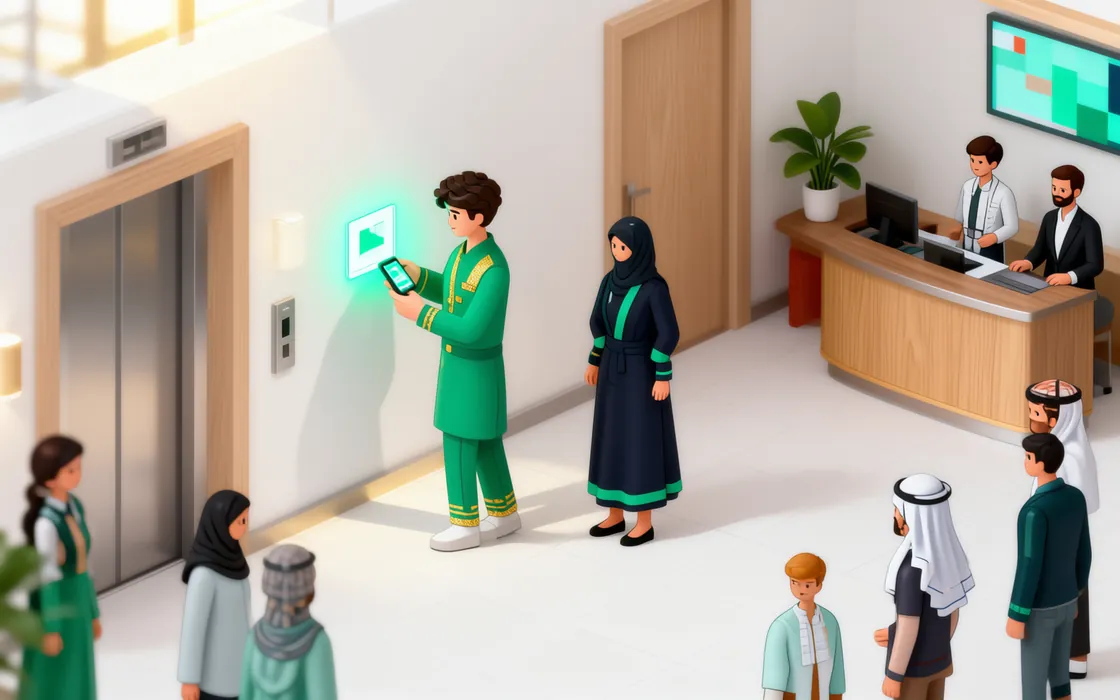
Scan the QR code in your unit, room or a common area. Choose “Report a problem”, write what’s wrong in your own words and add a photo if you can. No app, no account.
- 2
What happens next
You get a tracking link straight away. It shows the live status of your request, your technician’s first name once one is assigned, and the visit window.
- 3
Talk to a person
If your building has set up a duty number, the tracking page has a button to message the desk on WhatsApp about your request.
- 4
Confirm the fix
When the technician finishes, the tracking page asks “Is it fixed?”. Tap Yes — or Still broken, and it goes back to the team.
Your privacy
Your neighbours never see your requests or your name. Staff see the details of your request only while they work on it.