

A hold reserves the nights for a short time while the guest decides.
What the front desk sees Confirm the hold and it becomes a booking. Cancel it, or let it run out, and the nights are free again.
Each stay keeps its unit, dates and guests. UnitVO does not bill stays: charge guests in your booking or accounting system.
What the front desk sees Arrivals feed room readiness and the housekeeping board.
What the front desk sees
Your property
Stays held, confirmed and made ready — without double bookings.
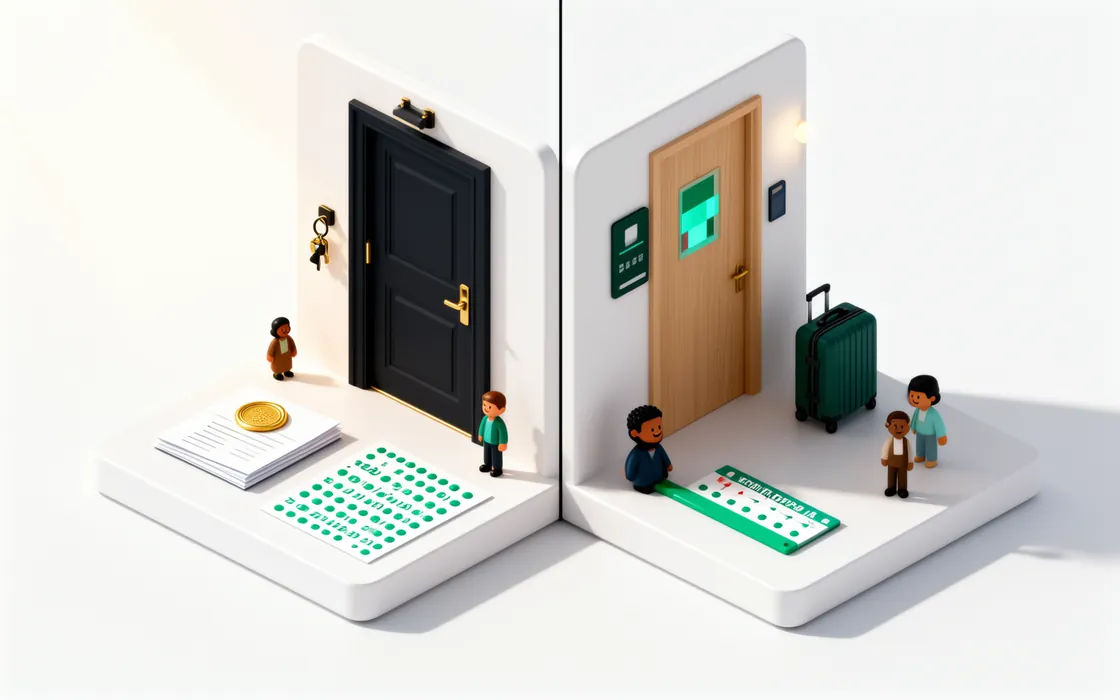
Place a hold on dates while the guest decides, confirm it or let it expire, and every confirmed stay feeds room readiness. Capacity is checked night by night before a hold is placed, so two people can’t sell the same room.
How it works
The details that matter
No double bookings
Two holds for the last room? Only one succeeds.
Night by night
Capacity is checked for every night of the stay, not just the first.
Maintenance-aware
If a repair takes a unit out of service, existing bookings are kept and the conflict is shown — never silently deleted.
Billing stays with you
UnitVO does not bill stays or take guest payments; keep charging guests in your booking or accounting system.
Calendar feed
Each property can share its bookings as a calendar link.
Import from a file
Bring current and upcoming stays in from a CSV file.
What it won’t do
Clear limits keep your residents and your team safe.
- It won’t delete a confirmed booking because a unit went out of service. It shows the conflict for a person to solve.
- It doesn’t connect to channel managers yet. Import your stays from a file.
Read the manual
Related features


Put your first building on UnitVO this week.
Try everything for 30 days with up to 50 units — no card. Five units stay free after that, for as long as you like. We set you up online.